must opt in by updating ….

must opt in by updating their email preferences.
How to change preferences (existing subscribers):
1. Access your email inbox and open a past Leisure World Live email you’ve received.
2. Scroll to the bottom of the email and click on “Update Profi le,” which is listed in a grey font underneath the GRF address. This will open a new webpage.
3. Press “Submit,” on the webpage, which will initiate an email with instructions on how to update preferences.
4. Find the email in your inbox, and click the blue “Update Your Profile” button. 5. In the newly opened webpage, click on the boxes that correspond with your desired topics. Take this opportunity to ensure other information, such as your name and Mutual number, are up to date.
6. Once you’ve selected your desired topics, press “Update Profile.” If you make an error or want to update your preferences later on, you can restart this process at any time.
How to sign up (new subscribers): 1. Go online to www.lwsb. com/lw-live/.
2. Fill out your name, email and Mutual number. 3. Click on the boxes next to the topics you’re interested in. Then, press the blue “Sign up!” button at the bottom of the page.
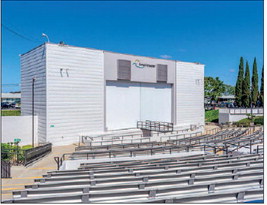
Those who need additional assistance can visit the LW Weekly Office in person, located next to the Amphitheater, on weekdays from 8 a.m.-4 p.m.
For more information on how to update subscriber preferences, see page 17.
Instructions will also be sent out via LW Live.